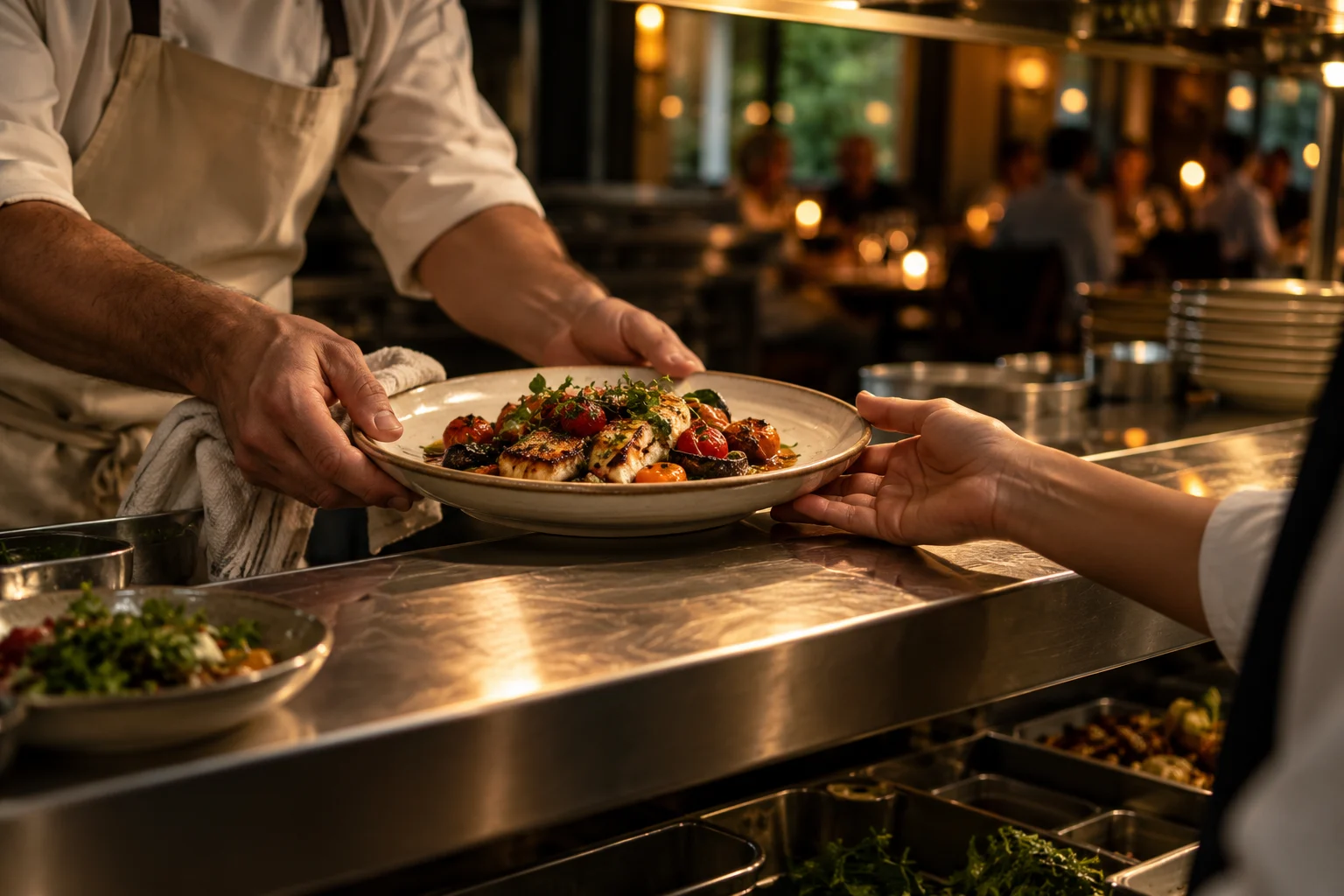
There is enough on your plate. The shift binder should not be one more thing. Opening,
handover and closing — from your team to manager approval, on the phone.
YOUR SHIFT BINDER. ON THE PHONE.SCROLL INTO THE SHIFT ↓
GREAT SERVICE STARTS BEFORE THE FIRST GUEST.
You have the know-how. Give it a home.
In a binder. In the group chat. In the head of your most experienced server. Shiftim
brings that knowledge into the shift — with clear tasks, notes and a manager’s sign-off.
THE WORK BEHIND THE WELCOME
A rhythm your whole team can follow.
01 Prepare.02 Execute.03 Review.04 Improve.
Prepare → Execute → Review → ImproveSCROLL TO BRING IT TOGETHER ↓
01 / ONE SHIFT. THE WHOLE PICTURE.07:00 → 23:30
From first light to last call.
Keep scrolling. The shift moves with you, from opening the doors to preparing for
tomorrow.
07:00 / OPENING
Everyone knows where to start.
Your team opens Today, picks a checklist and ticks tasks as they work. Every check
records who did it and when. Add a note when a task needs context.
Checklist updates can queue while offline.15:00 / HANDOVER
Change the team. Keep the context.
What changed today? What needs attention? The manager publishes a brief. The team
reads it, and the reader list updates. Context travels into the next shift.
Shift briefs with text, lists and tables.23:30 / CLOSING
“Done” deserves a second look.
The team submits a completed checklist. The manager reviews checks and notes, then
approves or sends it back with a reason. Everyone can see what is closed and what
needs attention.
Completed by the team. Reviewed by the manager.TOMORROW / IMPROVING
The shift ends. The learning stays.
Training tracks guide new staff, one stage at a time. Reports show the checklist
runs opened across seven completed business days, so managers can see where to
look more closely.
Training with signatures. Reports with task detail.
The shift, one step at a time.
The animation is unavailable. The full story remains in the text beside it.
MORE ROOM FOR WHAT YOU CAME TO DO.
Guests feel it when a team clicks.
The tool stays behind the scenes. Your people, their attention and the hospitality stay
front and center.
02 / A HEAD START, NOT A BLANK PAGEYOUR PLAYBOOK
Ready to begin. Room to make it yours.
01
Opening, handover and closing.
The default starter set includes 10 checklists and 110 items. Edit the checklists
and adapt the tasks to your restaurant.
02
The work between the tasks.
Morning and evening briefs, a stock sheet with 59 rows across 6 stations, and
rotating daily tasks — in one place.
03
Help new people find their feet.
The default set includes 2 training tracks with 12 stages. Staff sign their
stages; managers record trainer attribution and approval.
04
The phone already in your pocket.
The current app is Hebrew-first. Sign in with a phone number and SMS code. Install
to the home screen. Authentication, setup and team management require an internet
connection.
Starter content depends on the areas and shifts selected during setup. Custom areas and
shifts start without automatically seeded content.
03 / START WITH ONE SHIFTA PILOT INVITATION
Make room for hospitality.
Choose one shift. Walk through the playbook with your manager. See how it fits the
way your restaurant works.
Download a short pilot conversation guide. Use it to prepare for a discussion;
downloading does not enroll your restaurant.